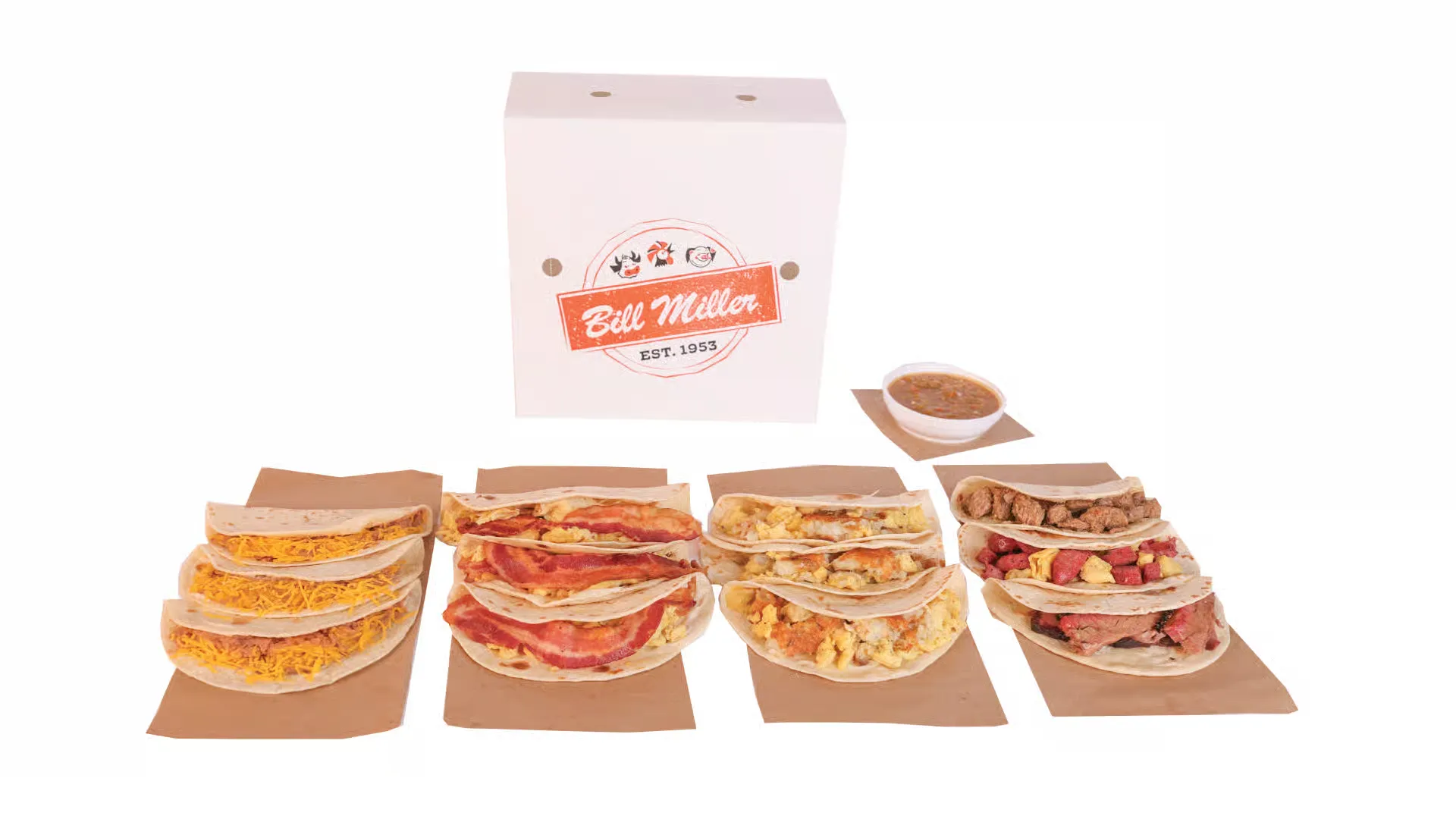
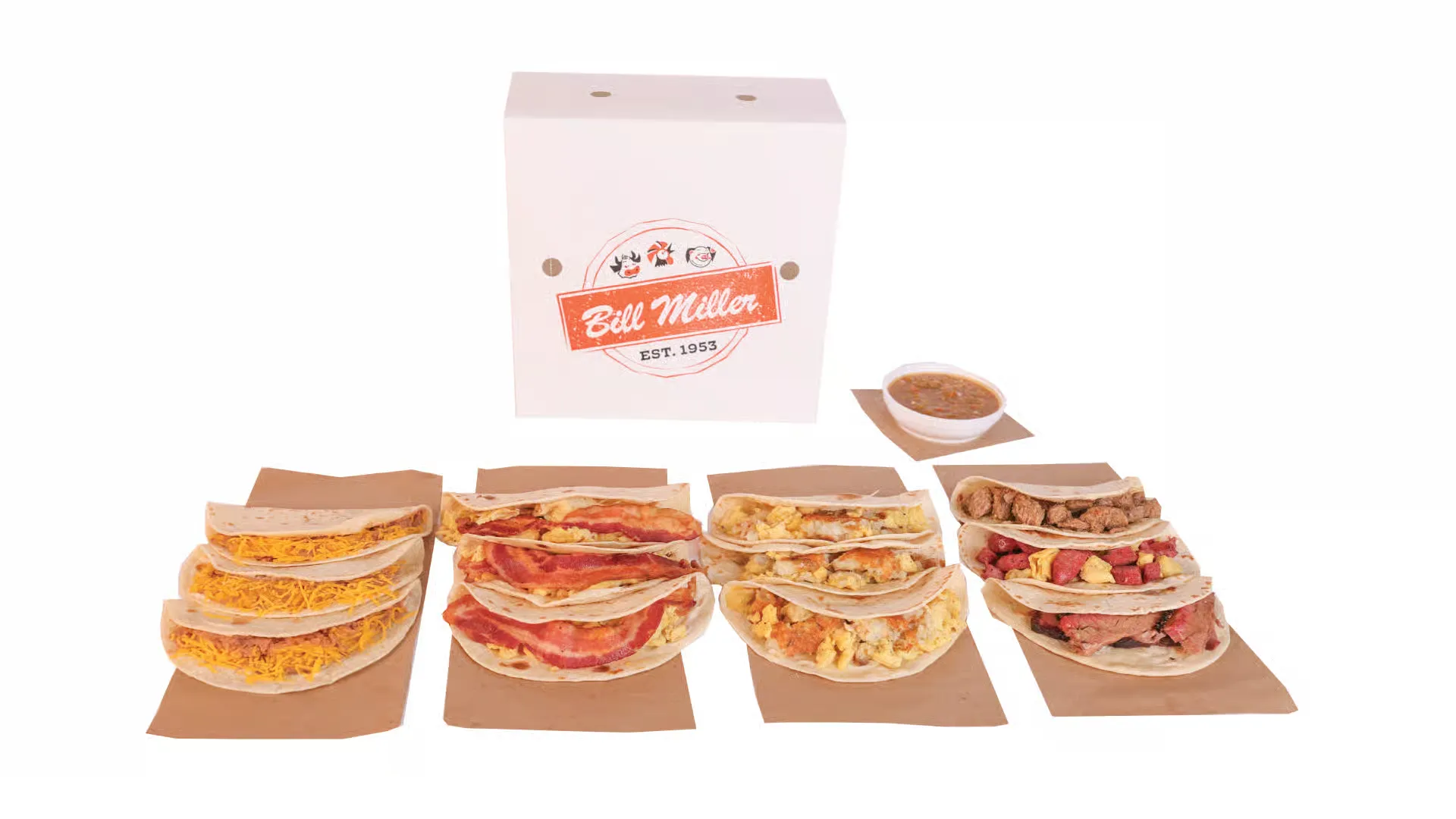
Got a Bill Miller gift card and wondering how much smoky BBQ goodness is left on it? Whether it was a thoughtful holiday gift, a reward, or a personal treat, staying on top of your Bill Miller gift card balance check ensures you’re always ready to enjoy your favorite brisket, fried chicken, sweet tea, or breakfast tacos without surprises at checkout.
Thankfully, Bill Miller Bar-B-Q makes it quick and simple to check your gift card balance through multiple methods—online, by phone, or in-store. This guide will walk you through each option step-by-step, ensuring your next meal goes as smoothly as your iced tea refill.
Enter your card number and PIN (located on the back of the card).
✅ Tip: The PIN is typically behind a scratch-off area for security.
2. In-Store Inquiry
Visit any Bill Miller location.
Hand your card to a team member and request a balance inquiry.
They can quickly check and report the remaining amount.
3. By Phone
Call Bill Miller Bar-B-Q customer service at (210) 225-4461.
Provide your gift card number to inquire about the current balance.
⚠️ Note: Sometimes the online balance shown may lag slightly behind recent transactions. Always keep your latest receipt for reference.
💳 Where You Can Use Your Bill Miller Gift Card
Bill Miller gift cards are accepted:
At all Bill Miller restaurant locations.
For in-store purchases including meals, drinks, and merchandise.
For online orders placed through the official Bill Miller website or mobile app.
📲 How to Use a Gift Card for Online Orders
Add your favorite items to the cart on billmillerbbq.com or the Bill Miller mobile app.
Proceed to the checkout page.
In the payment section, select “Use Gift Card”.
Enter your gift card number and PIN.
If the total exceeds the gift card balance, pay the difference with another method.
Click “Complete Order” to finish the transaction.
❗ Note: Gift cards may not be eligible for certain catering or holiday meal packages online. Always verify terms before ordering.
♻️ Can You Reload a Bill Miller Gift Card?
Bill Miller gift cards are generally not reloadable.
Once the card balance is used, you’ll need to purchase a new gift card.
Some locations may allow adding funds at the counter — ask a team member to confirm.
🎁 Managing Your Gift Card Efficiently
Track receipts: This helps reconcile discrepancies if balances seem off.
Use it early: Even though there’s no expiration or inactivity fee, it’s good practice to use the value sooner rather than later.
Keep the card until the balance is completely used.
⭐ Combine With Bill Miller Rewards
Join the Bill Miller Rewards Program via their mobile app.
Earn points for every purchase — even when using a gift card.
Redeem points for free meals, drinks, and exclusive offers.
🤑 Pro Tip: Pay with your gift card AND still earn reward points. Double the perks!
🛠️ Troubleshooting: Gift Card Not Working?
Card expired? (They don’t — check balance again.)
PIN unreadable? Contact customer service.
Used at wrong location? Confirm it was a Bill Miller Bar-B-Q.
Used for non-eligible items (e.g., catering)? Check usage policy.
📋 Table: Quick Overview
Feature
Details
Check Balance Online
Yes — via official website
In-Store Usage
Yes
Online/App Usage
Yes (some exceptions apply)
Reloadable
No (usually)
Can Earn Rewards with Card
Yes
Expiration Date
None
Inactivity Fees
None
Phone Balance Check
(210) 225-4461
🤔 Frequently Asked Questions (FAQs)
1. Can I check my Bill Miller gift card balance without the PIN?
No, the PIN is required for online or phone balance checks. Visit a store if you’ve lost the PIN.
2. Is there a way to check my gift card balance via the app?
As of now, the balance check redirects you to the website.
3. Can I combine two gift cards into one?
No. Bill Miller does not currently offer gift card consolidation.
4. Can I use multiple gift cards in a single order?
Yes, you can enter more than one during checkout if you split payments.
5. Do gift cards work during mobile-exclusive promotions?
Some mobile deals may not accept gift cards — check fine print.
6. Do I earn loyalty points when paying with a gift card?
Yes, as long as you’re signed into your rewards account.
7. Can I get cash back from a gift card?
No. Bill Miller cards are non-refundable and non-redeemable for cash.
8. What happens if my gift card is lost or stolen?
Treat it like cash. Lost/stolen cards may not be replaced.
9. Can I buy a gift card online?
Yes — both digital and physical cards can be purchased online.
10. Are there holiday-themed gift cards?
Seasonal designs are often available in-store and online.
11. Is there a limit on the amount I can load?
Most gift cards are sold in set increments (e.g., $10–$100).
12. Do Bill Miller gift cards expire?
No. They never expire.
13. Can I send a Bill Miller gift card to someone in another state?
Yes, but they’ll need to be near a participating location to redeem.
14. Does Bill Miller offer corporate/bulk gift cards?
Yes — check their website for business gift card options.
15. Can I use a gift card for catering orders?
Usually not — contact your local store to confirm.
🧾 Final Thoughts
Whether you’re treating yourself or gifting someone a flavorful Texas BBQ experience, managing your Bill Miller gift card is simple and rewarding. From balance checks to rewards points, this guide ensures you get the most out of every dollar. Stay informed, keep your card handy, and always double up on perks with the Bill Miller Rewards Program.
Hungry yet? Time to put that gift card to delicious use!